Every version, one press away.
Make a picture in the chat, or open one, and change it on a bench where every edit lands beside the one before. The tools you reach for most are free, on your Mac.
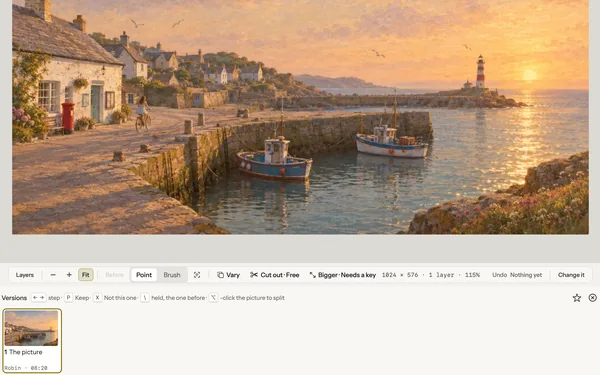
- Free on the rail Erase, Enhance, Cut out the background and Looks.
- Click to pick The subject where you point, or a part by its name.
- Redraws, priced first A new angle, a new light, a new shape.
- Nothing lost Every edit is a version. Step back with ←.
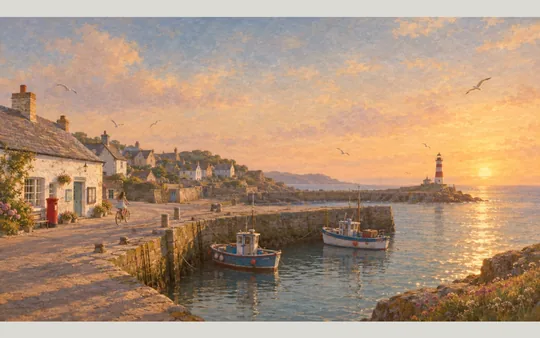
Opens on a demo. The harbour in its last light: Kettle Cove Post’s key art, to erase from, relight or see from a new angle. Free, on your Mac, nothing to set up.
Click it, then change it.
Click someone or something in the picture and it is chosen, ready to erase, fill or change. Or drag a box over a part and ask about just that part. Select by words… finds “the sky” or “the dog” on your Mac, for free; when the Mac cannot, Find it on your key looks for about 1¢, its price on the press. Ask in the chat and Robin uses the same presses, a paid redraw put to you with its price first.
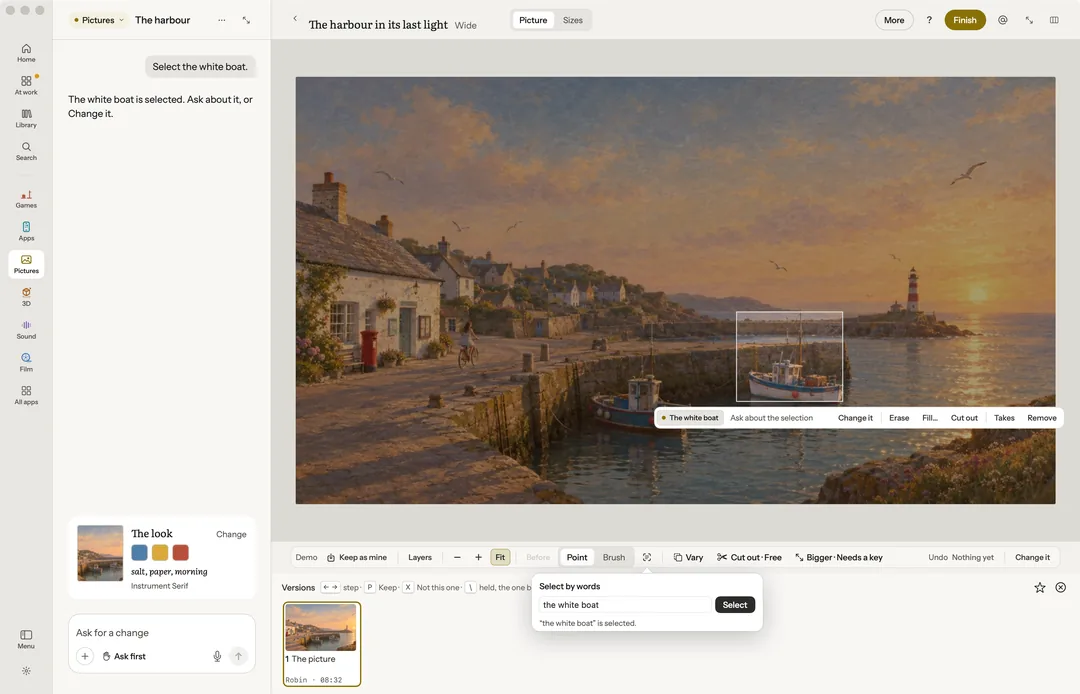
Taken out, filled in.
The four presses on the rail are free and run on your Mac. If the Mac’s eraser cannot be got ready, or it cannot cut the subject out, the press offers your picture key instead, priced.
- Erase paint over something and it is filled in from what is around it.
- Enhance light, colour and skin balanced in one press.
- Cut out the background the subject kept, the background taken away.
- Looks eight of them, from vivid and golden to mono and noir.
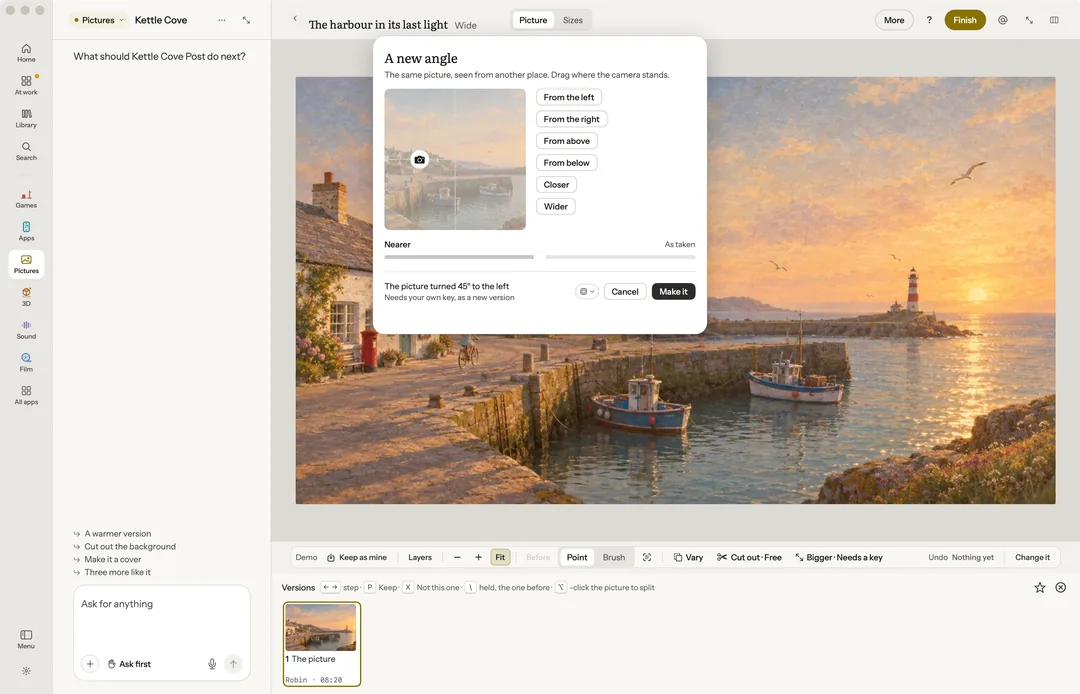
The same scene, seen again.
Each redraw opens a panel first and shows its price before anything is sent. With no key it says Needs your own key, and nothing is sent or charged.
- A new angle drag where the camera stands, and the scene comes back seen from there.
- Relight the light’s direction, its warmth and the time of day.
- Extend to a new shape carried out to 16:9, 9:16, 1:1 or 4:5.
- With someone from the cast a person from the project put into the picture.
- Combine pictures up to four made into one.
Finished by hand.
Crop levels a picture by its horizon; Adjust sets light and colour, levels, curves and each hue on its own, with a histogram. Layers hold text, shapes and lifted parts. Brand kit and sizes reads a logo’s colours, checks their contrast and makes twelve store and social sizes. Compare two versions side by side, keep one with P, and if Pixelmator Pro is on your Mac, send a picture there and bring it back as a new version.
The price before you press.
Every make says what it costs and whose it is before it runs. Above the limit you set, it waits for your yes.
Free, on this Mac
- Erase, Enhance, Cut out and Looks
- Picking by a click or by words, on your Mac
- Crop, Adjust and Layers
- The brand kit and its twelve sizes
- A meme of the picture
On your Claude plan or your own key
- A new angle, Relight, a new shape, the cast, Combine
- Fill and Make it bigger
- Find it on your key, about 1¢


Pictures, and eleven more apps beside it.
Robin is one app on your Mac: $39 for the first 100 licences, then $59, paid once, for two Macs and every update.